Comments
The Comments pattern enables users to post, view, and interact with user-generated content, such as feedback, discussions, or reviews.

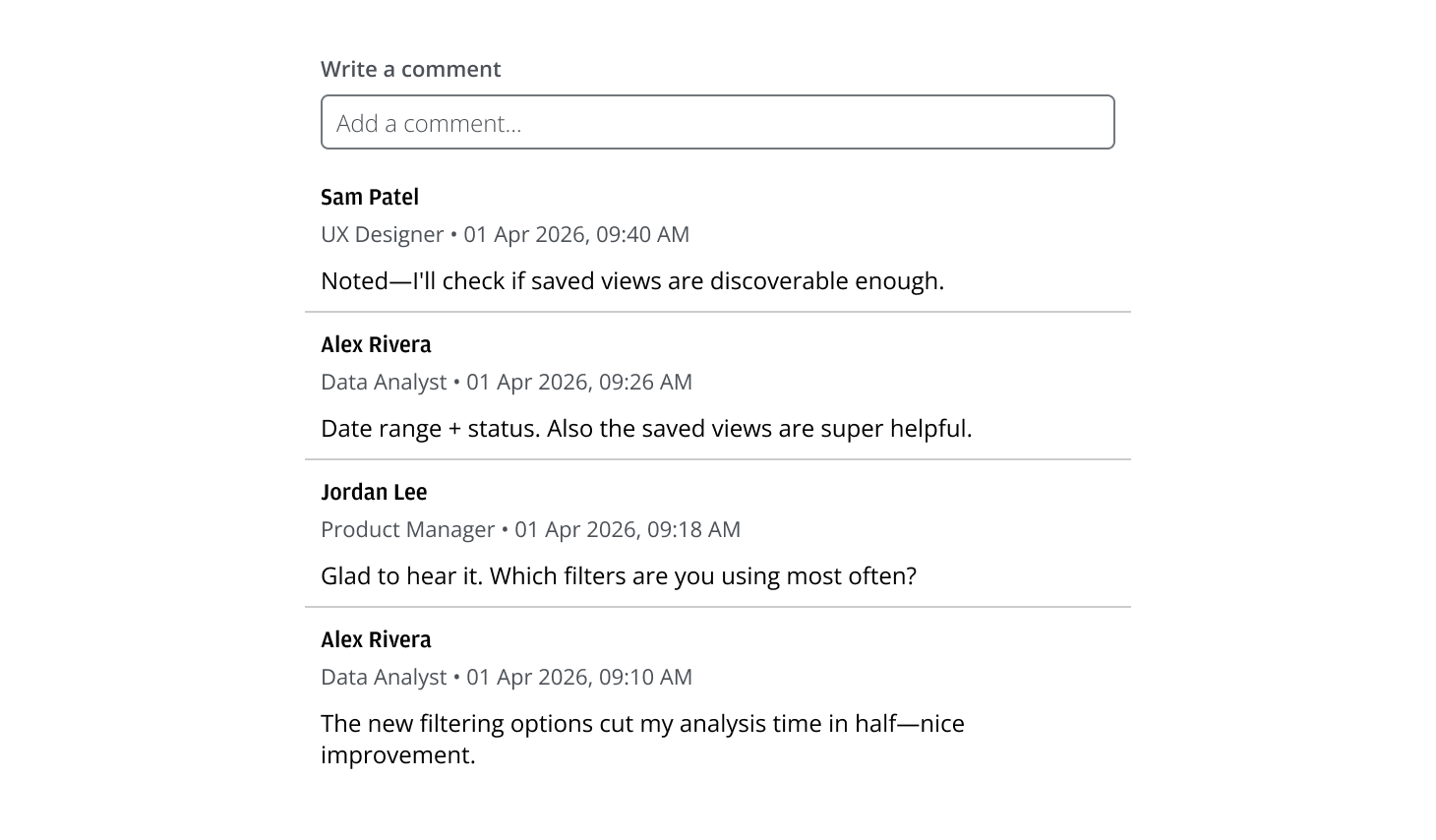
- Facilitate team communication, feedback, or discussion within an application.
- Capture collaborative notes and reminders in shared contexts.
- Maintain an auditable discussion log.
- Suitable for forums, activity feeds, support threads, and collaborative workspaces.
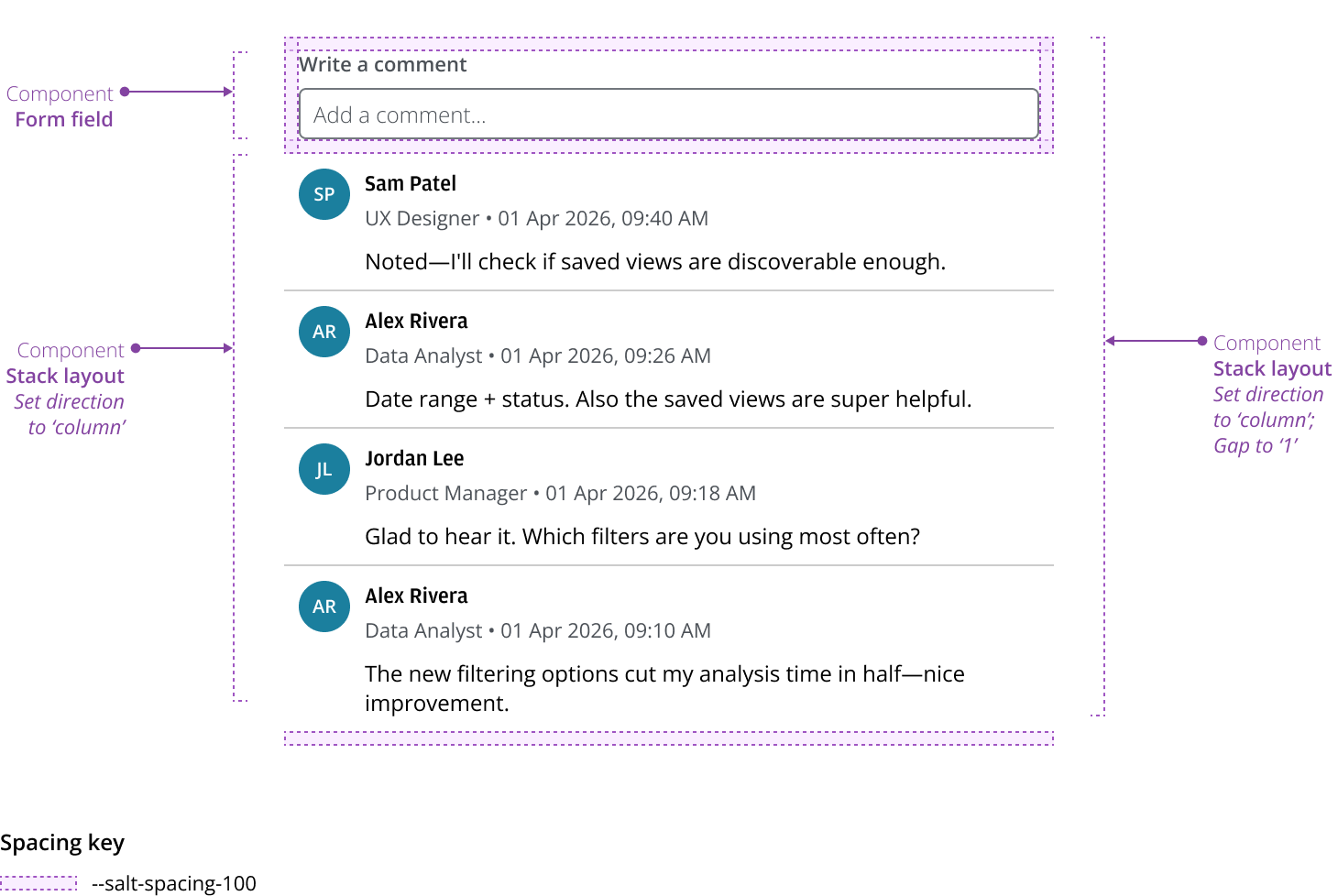
At the top level, Comments consists of an input for adding new comments and a running list that shows the conversation history, so users can review prior messages.
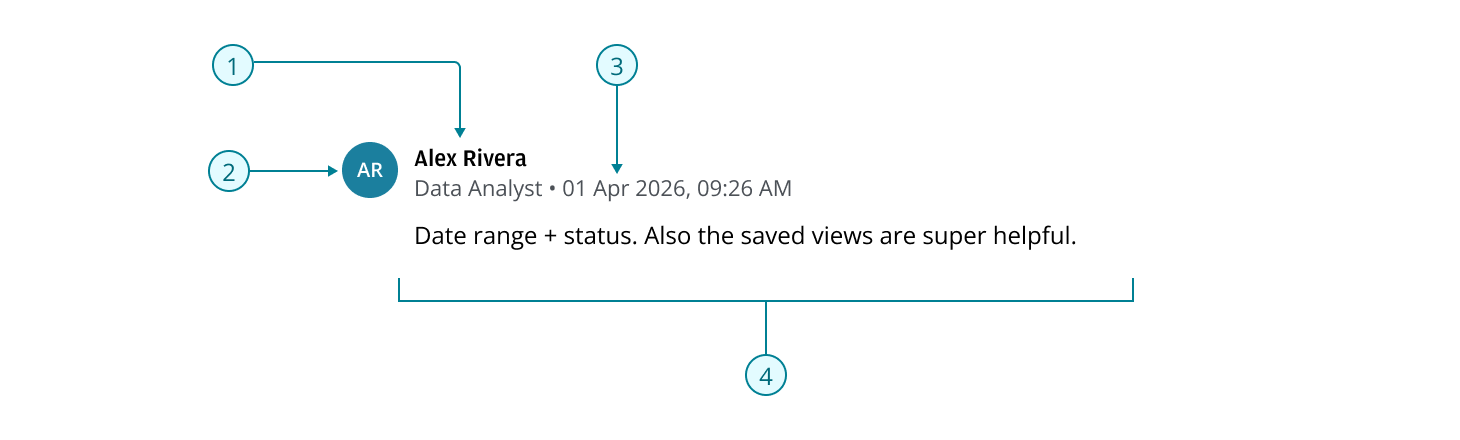
Each comment tile can include:
- Author: Display name
- Avatar (optional): Initials or image identifying the commenter.
- Supporting details: Metadata such as timestamp, an optional user role, or an “Edited” indicator.
- Content: Main body of the comment.
Use StackLayout to display the input and the comments list.
Include when identity cues improve scanning or clarify ownership.
- Avatar: Show a photo; fall back to initials. Keep size and placement consistent.
- Role: Use a short, standardized role or title.
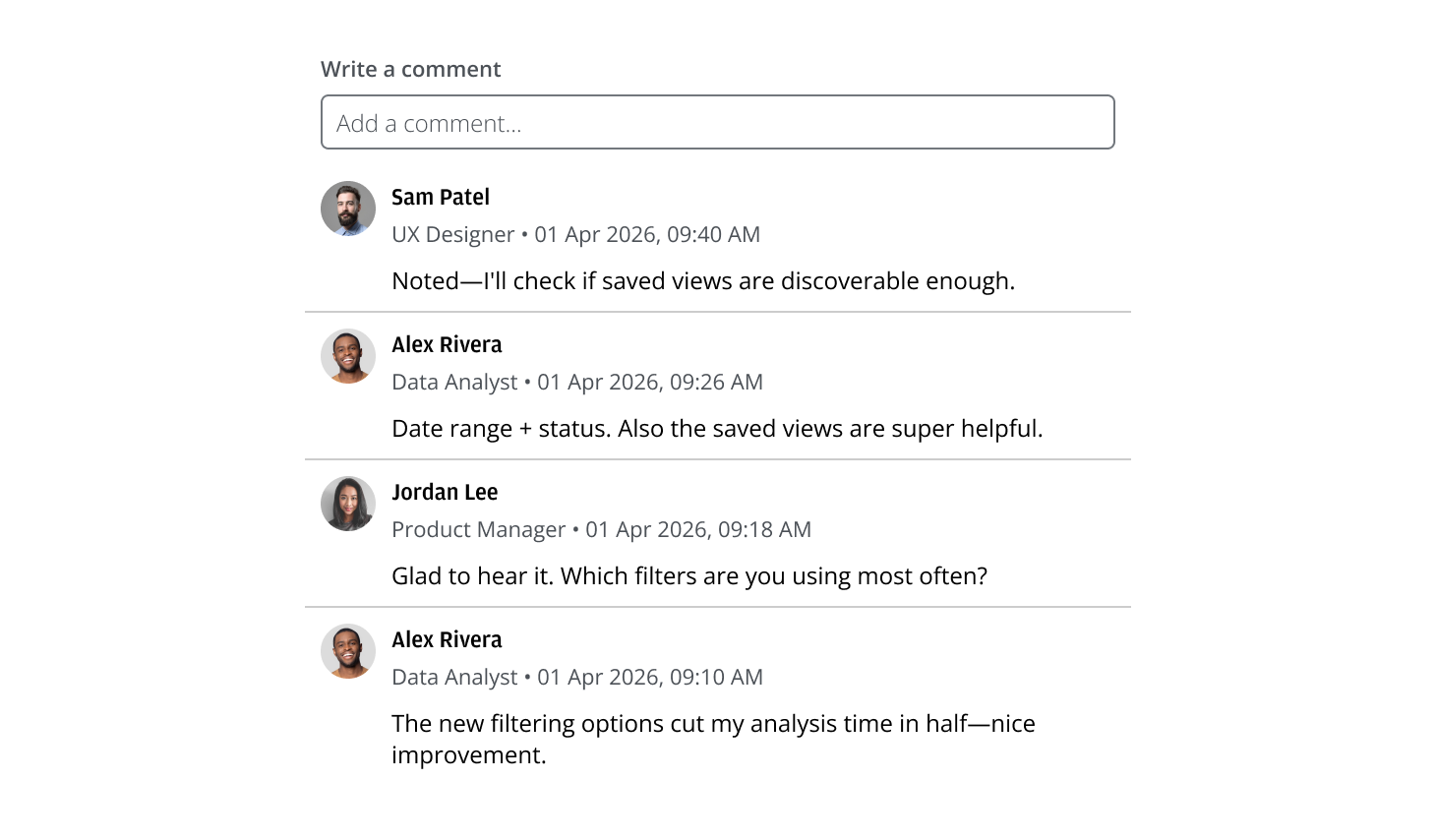
Use the Avatar component’s categorical colors to differentiate authors.
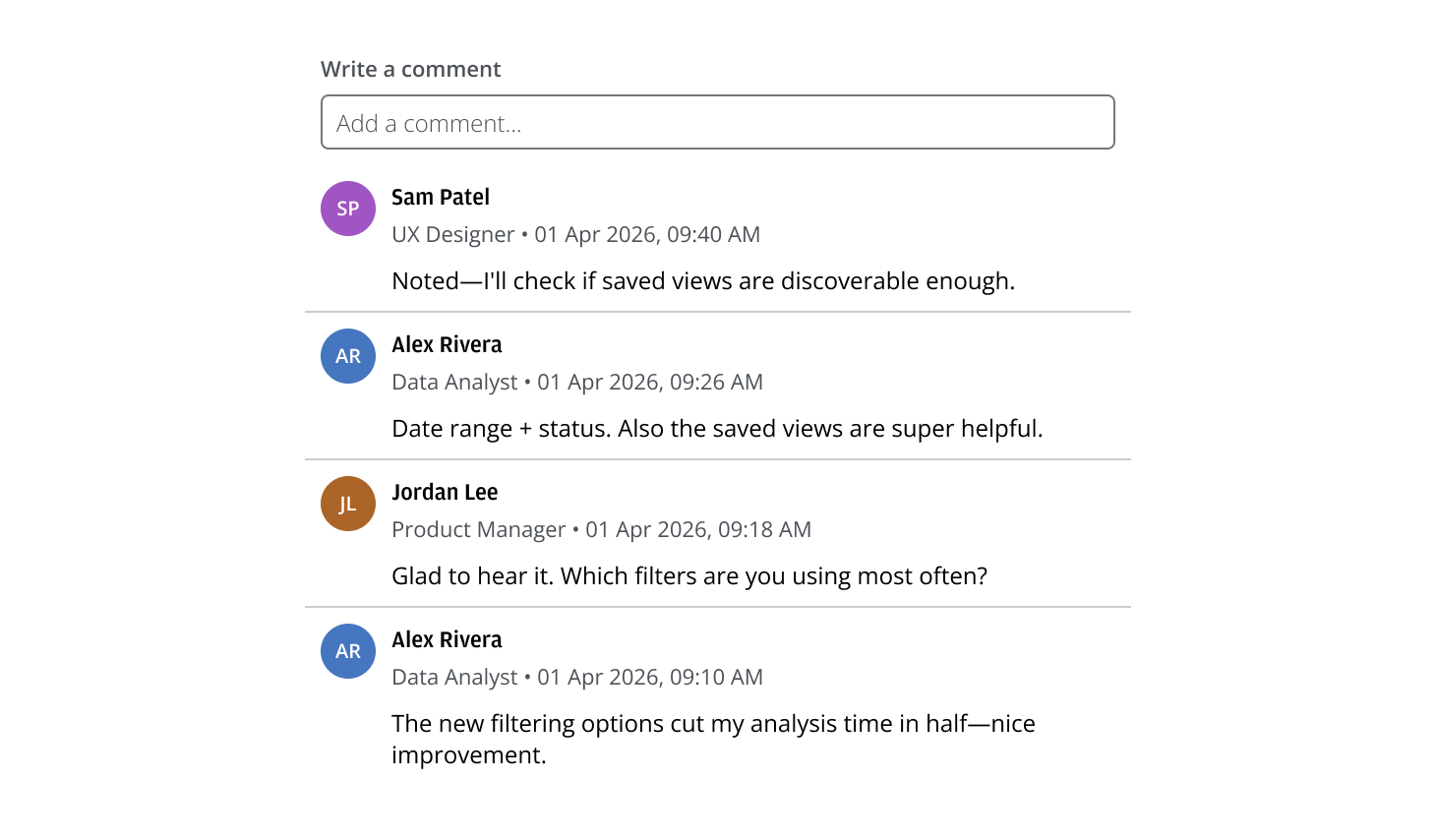
Always show a timestamp and the last edit time.

- Display “edited” with the last edit time; keep the original creation timestamp visible.
- Use locale‑aware formatting and the viewer’s time zone.
Use a short, neutral message to indicate there are no comments yet.
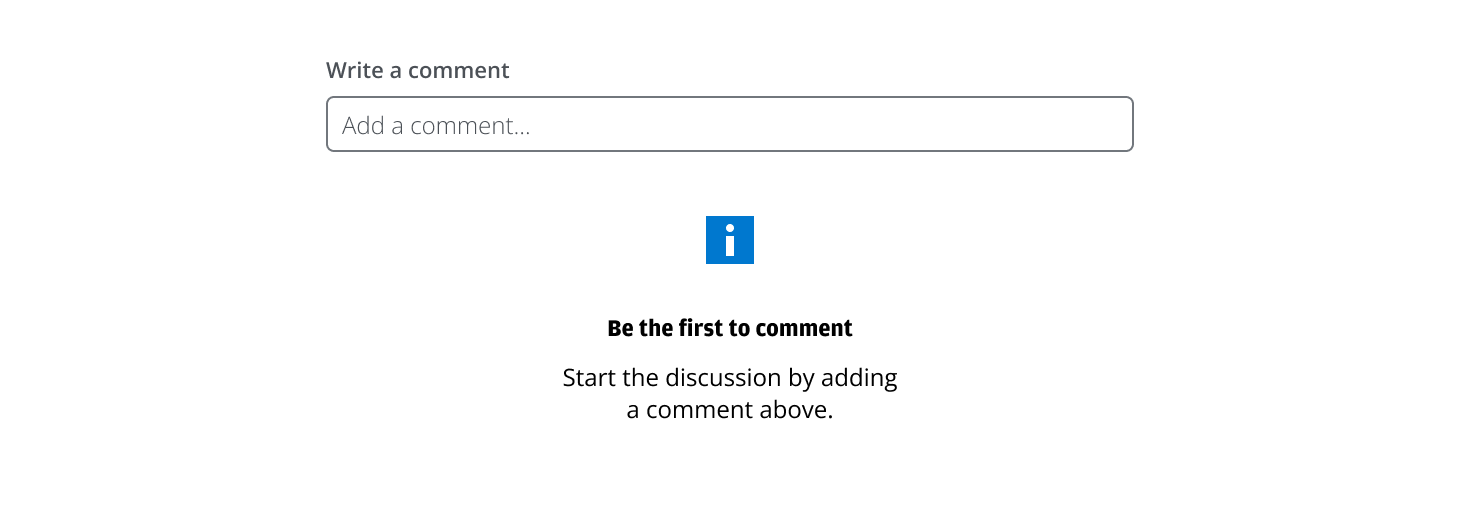
- Use direct language that sets expectations (for example, “No comments yet.”).
- Keep it compact; avoid decorative imagery or filler.
Use a MultilineInput when longer messages are common; this reduces scrolling while composing.
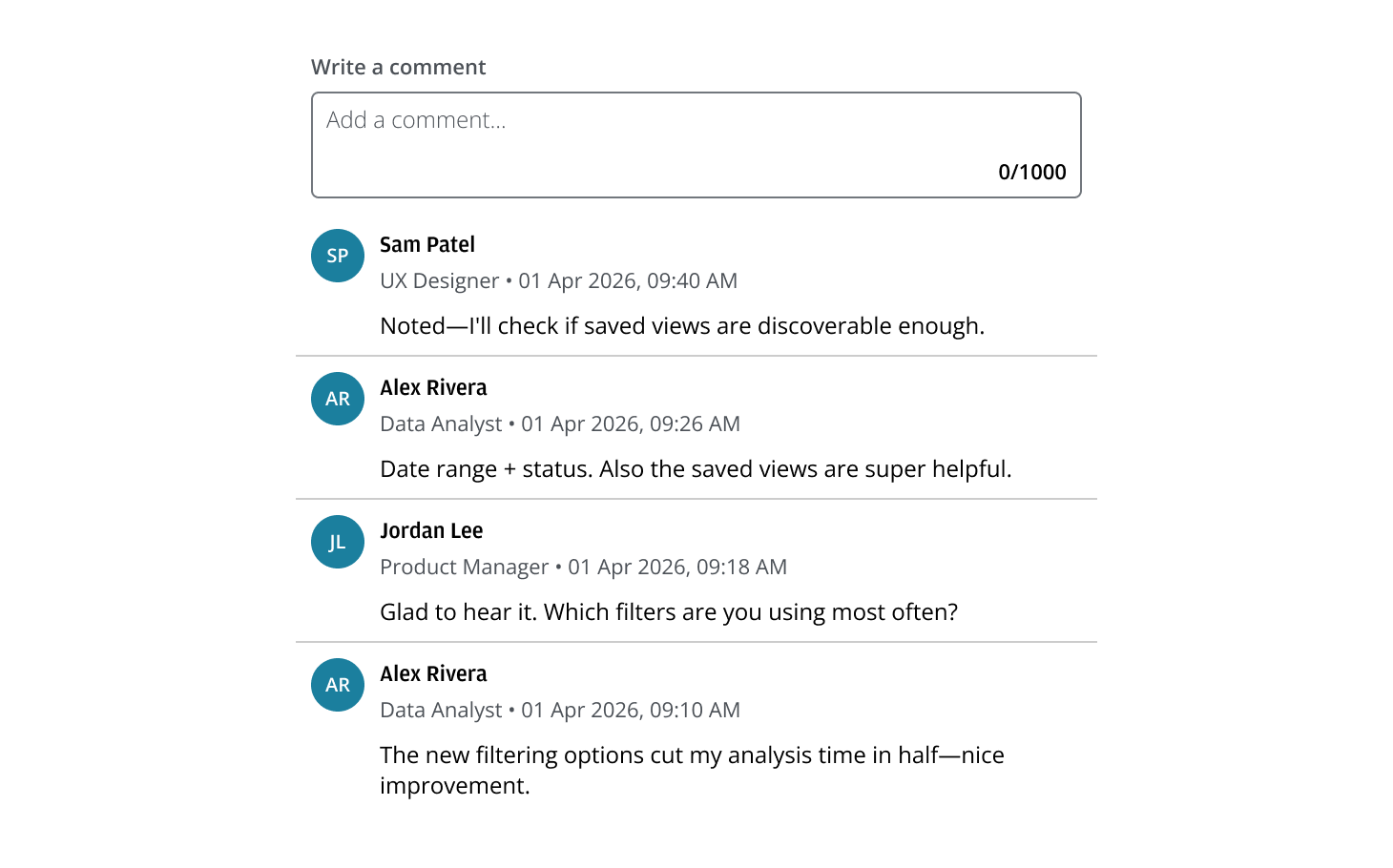
- Use a multiline field only if a meaningful portion of users will benefit.
- Auto‑grow to a sensible maximum height, then scroll within the field so the thread stays visible.
Choose the order that best fits the task.
- Newest-first (default for ongoing threads): Surfaces the latest activity immediately; ideal for long‑running discussions over days or weeks.
- Oldest-first: Preserves chronological reading; best for short, time‑boxed reviews where sequence matters.
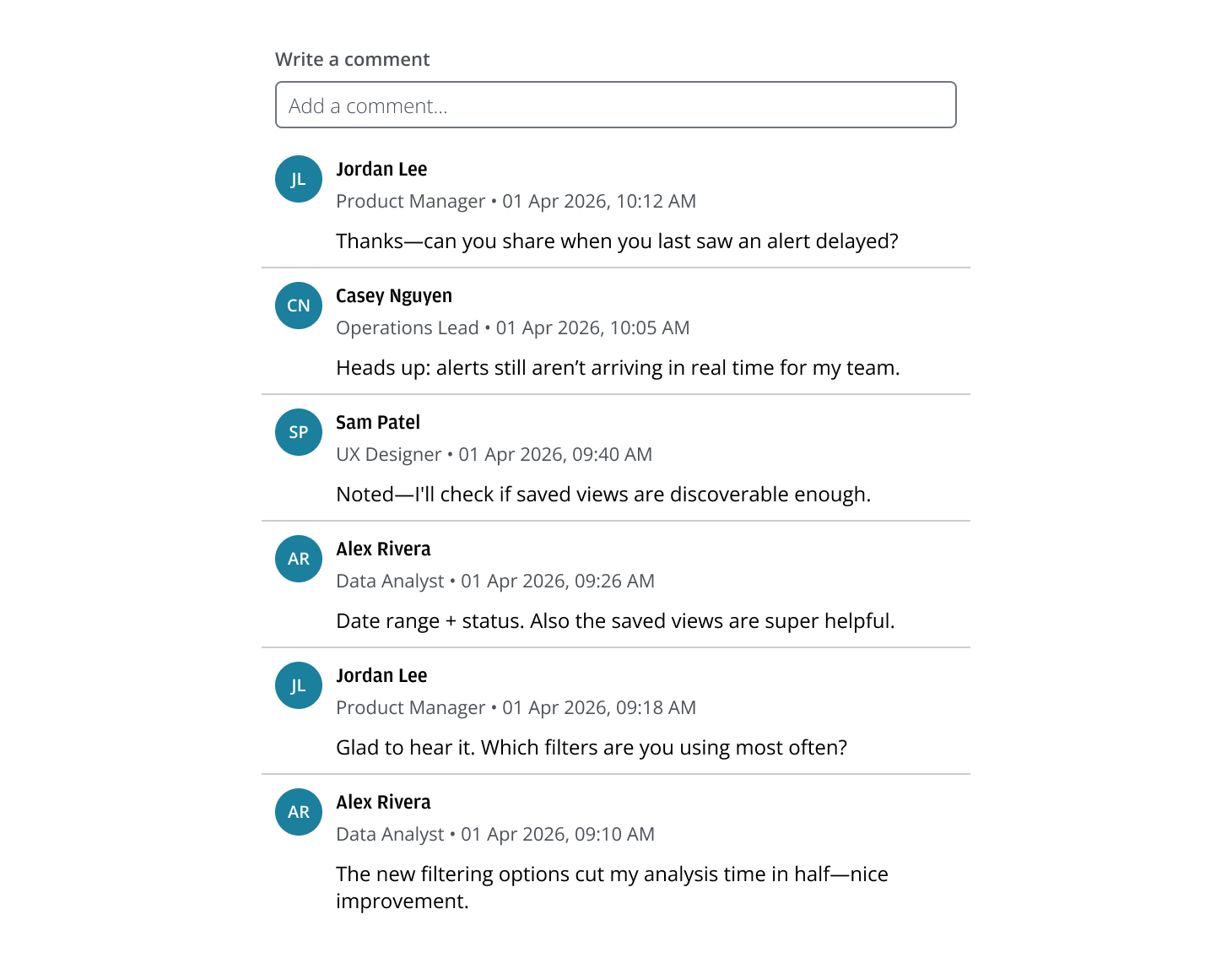
Offer recovery without losing work by showing an inline error. Preserve the failed comment text.
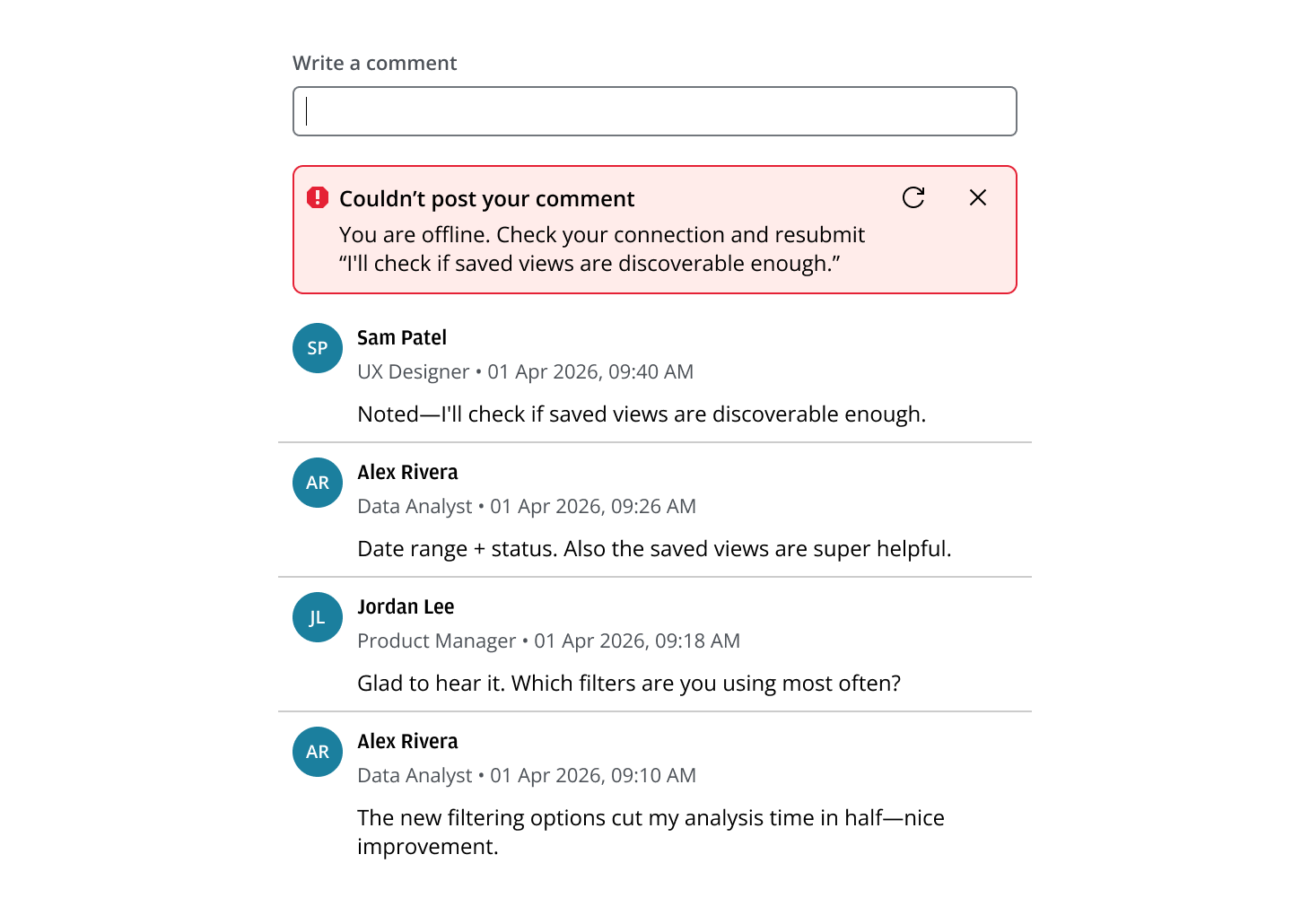
- Use clear, actionable copy that states what happened and what the user can do next.
- Provide Retry and Dismiss actions; keep the message visible until resolved.
- Support stacked errors if multiple submissions fail.
If you need to expand the pattern or share feedback with us, please contact the team.